

100% cloud · no download
AI. Modular. Minimal.Inventory management for retail and the trades.
Your business in one chat: stock, customers, orders and invoices. Tap, scan or type a sentence, on this phone too.
Why inventory software?
It knows what is in stock, who ordered what and what has been paid. Stock, customers, orders and invoices are linked instead of sitting on notes and in spreadsheets. Nothing slips through any more.
And why GRBX-One?
01 / 04Start


On your phone: scan or tap a field.Next
The editions.
What is inside.
Clear terms.
AI only if you want it. Everything works without it.
Already have an account? Sign in
Legal notice · Privacy · Terms of use ·
Please hold the phone upright.
Versions per trade
Every trade has tasks no off-the-shelf program knows. For them we build versions of GRBX-One for all businesses in a trade: jewellery first, more are planned. That way every version stays maintained and comes with every update.
A version applies to every business in the trade and is part of GRBX-One. There are no custom builds for individual businesses.
The release is held on your account. Your inventory system fetches it itself, and you upload nothing.
The calculation appears in Stock, not in an extra menu. No hunting.
Three steps. Only the first is yours, and we do the rest.
The calculation only your trade knows. The list that every workshop in your field keeps by hand. We build what the businesses of a trade need in common, not the special request of a single business.
A conversation, not a requirements list
It becomes part of GRBX-One and arrives with every update, also at businesses that do not use it. It only becomes visible once it is unlocked on your account.
Maintained like the rest of the software
The release is stored on your account, and your inventory system picks it up at the next sync. The module is then in its place, with no download, no file and no restart.
Settings → Extensions: what's unlocked is listed there
The code is already there. It ships with every update.
The unlocking happens on your account. You upload nothing.
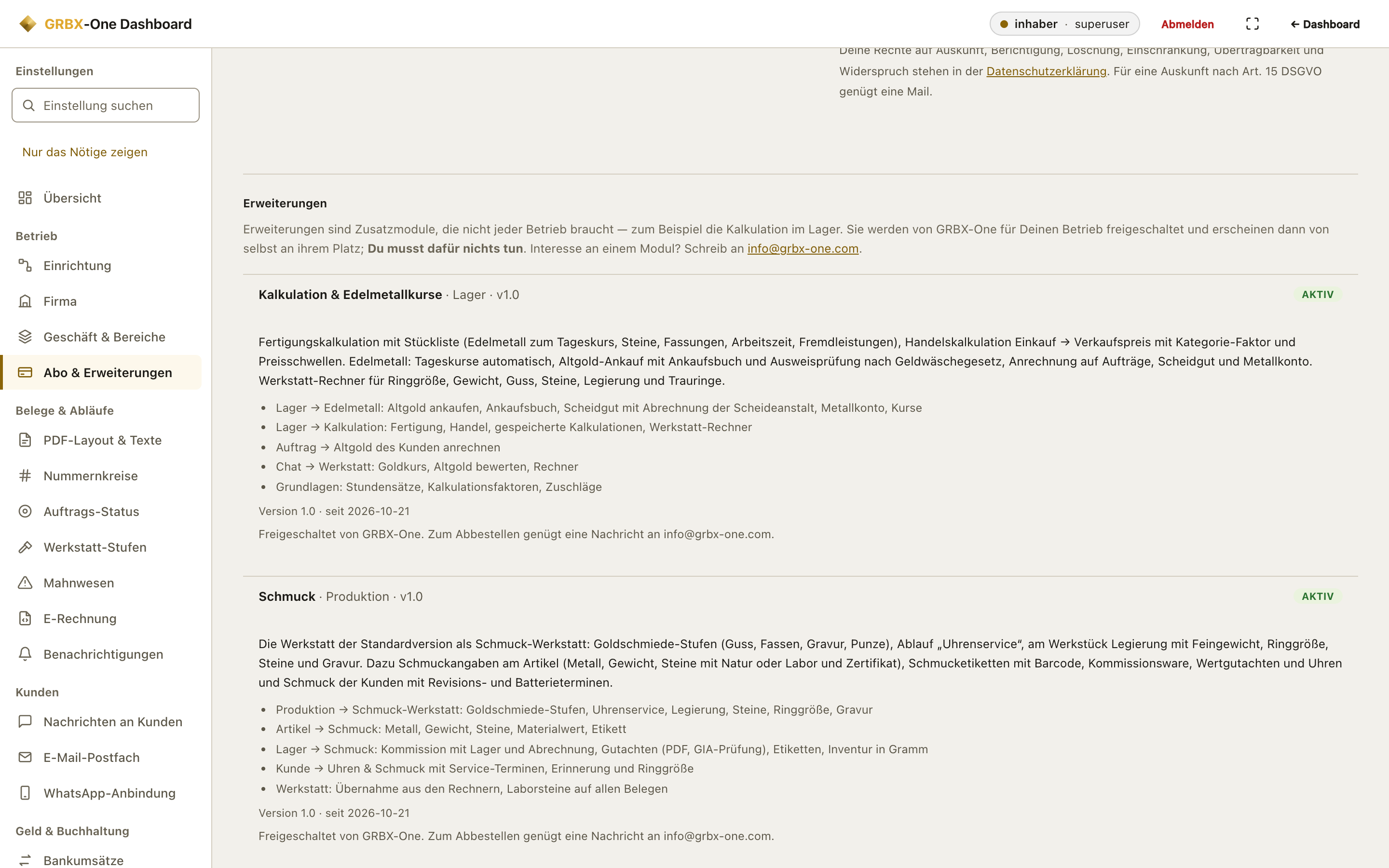
Under Settings → Extensions you see which modules are unlocked for your business, with area, version and the day they started. No drop zone, no button: a message is enough to cancel.
A “Calculation” group appears in the Stock module. The example prices an engagement ring: fine gold at the day's rate, a diamond, 150 minutes of work, rhodium plating. The final price is raised to the next threshold. One click transfers it into an item or order.
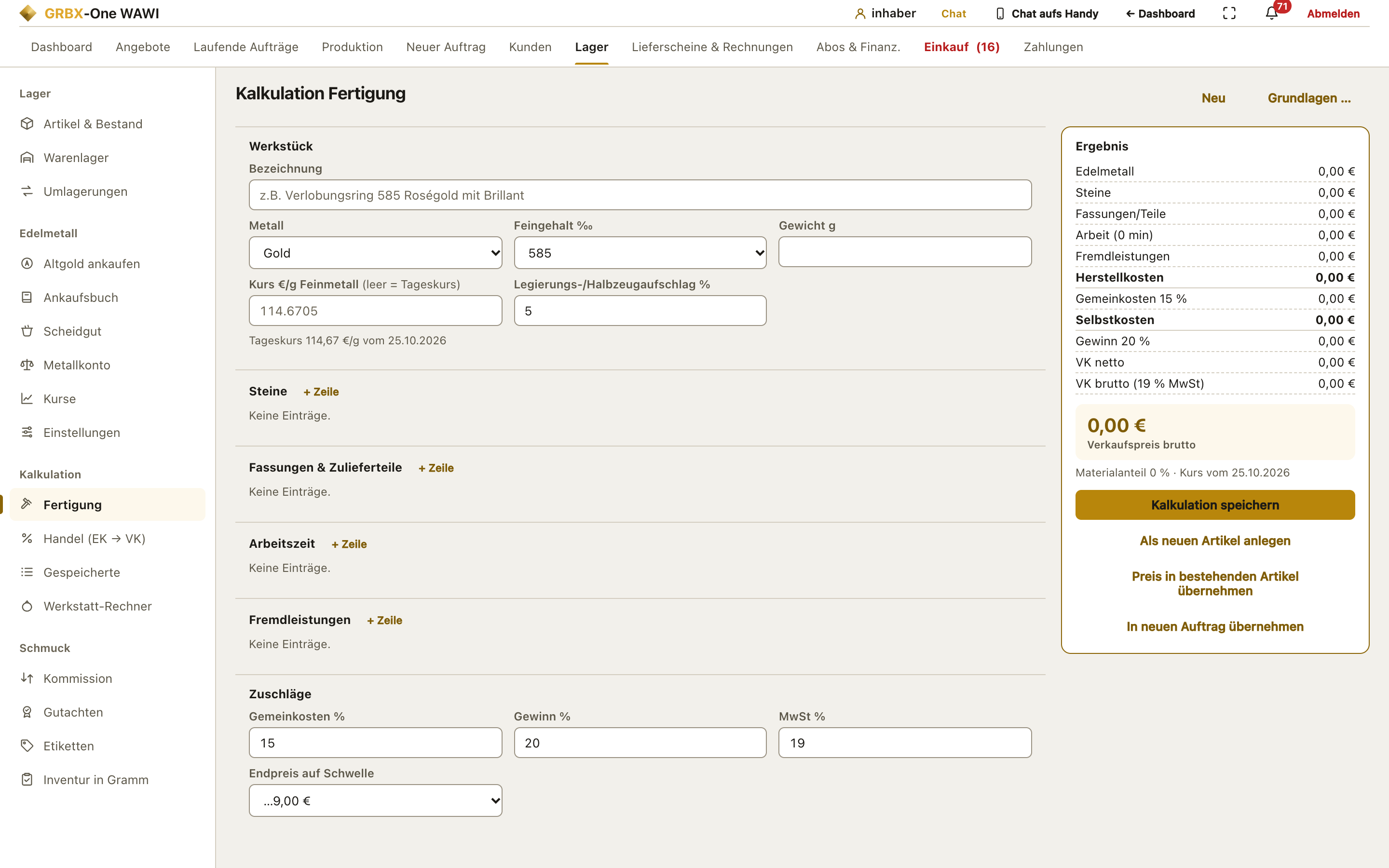
Every building block sits in its place in stock and production and works with the day's rate you maintain once. Click a screenshot to see it in full size.
You pick the alloy, type in the weight and see the price at the day's rate with your purchase factor. The ID is checked and stored encrypted, and you pay out in cash, by bank transfer or set off against an order.
Every purchase gets a consecutive number and a receipt. For the authorities and your tax adviser you print the register or download it as CSV.
Whatever comes together from buying in, filings and repairs sits in containers per alloy, with fine weight and value. Each delivery gets a delivery note, and the settlement lands in the metal account.
Wedding rings by profile, width, thickness and ring size, with the customer's old gold deducted. Plus ring resizing, casting, stone weight, alloy and ring size. One click turns the result into a quote.
The item carries metal, fineness, weight, piece number and size, plus every stone with carat, cut, colour, clarity and certificate. Whether a stone is natural or lab-grown is mandatory and appears on the label and the document.
Goods on consignment from a supplier and selections a customer takes home to look at. The bell reminds you before the return date, and you settle what was sold with the supplier.
Description, material, stones and replacement value on the reference date, with the material value at the day's rate. The valuation comes as a finished sheet on your letterhead and as a PDF.
All jewellery items in stock by weight, fine weight and material value at the rate of the reference date. The counting list has a blank column for the weight you count.
Every piece at its stage, from intake to hand-over, with due date, person in charge and traffic light. When the piece is ready, the customer gets a message.
Screenshots from a sample goldsmith's workshop. Names and values are made up.
An extension runs in the same process as your inventory system and would reach all of your data. That is why its code does not come from outside: it is already in your software, shipped with every update. All that gets unlocked is what your account allows.
It ships with every update, including to businesses that do not have the module. Unlocking means making it visible, not loading it in.
Your inventory system asks the account every day and fetches the list. Whatever is no longer on it is withdrawn again.
If it is not in your version's catalogue, nothing happens. Then an update is missing, not the entitlement.
If your inventory system runs sealed off with no line to us, there is a signed file. It is checked with Ed25519 against the public key in your software. It contains no code either.
Any change to such a file makes the signature invalid, a changed date as much as a space. Anything over 64 kilobytes is rejected anyway.
The file exists only for the case without a connection, and even then it is readable text. You can open it and look; that is exactly the intention.
erweiterungWhich module is being unlocked.instanzFor which address. An asterisk means: for every one.gueltig_bisUntil when. Empty means: indefinitely.signaturThe signature over all the other fields.{
"erweiterung": "kalkulation",
"version": "1.0",
"instanz": "goldschmiede-lindner",
"fuer": "Goldschmiede Lindner",
"ausgestellt": "2026-09-21",
"gueltig_bis": "2027-09-30",
"signatur": "90aba8c4197e06cf23a299e…"
}Today there is one trade version: Jewellery. It came from a goldsmith's workshop where the path from fine gold to shop price and the path of a ring through the workshop were done by hand. It is under continuous development. Versions for other trades are planned; whether and when they appear is not yet fixed.
Production costing with a bill of materials (precious metal at the day's rate, stones, settings, working time, outside services), trade costing from purchase to selling price and precious metal prices with history. Buying in old gold with ID check and purchase register, scrap metal and metal account, a workshop calculator and jewellery items with stones. On top of that consignment goods, valuations, stocktaking in grams and production with a job ticket for every piece.
You can try the Jewellery edition for 14 days in the free trial. Only what is available today can be tried. Planned editions are not part of the trial.
GRBX-One is built lean for retail and trade businesses, sole traders included. One platform, one login: further apps such as shop, till and finance are in the works and will later share the same account and the same data.
Inventory management
Orders, customers, stock, invoices, purchasing, delivery notes and payments in one place. With e-invoicing (ZUGFeRD) and DATEV export.
Online shop
Online shop wired directly into the inventory system. Stock levels update live, and orders are synced automatically.
Point of sale (POS)
Point-of-sale system for selling on site, posting stock movements directly into the inventory system.
Invoicing and bookkeeping
Write and send invoices, cash book, EÜR, VAT return, BWA, asset register, dunning and payslips for your staff. Works with and without the inventory system.
Describe what costs your trade time every day. We'll tell you honestly whether it becomes a version, even if the answer is “that already works today”. We don't build custom versions for a single business.
Email us